

Before You Register: Eligibility and Preparation
A WinBeast account is available to residents of jurisdictions where online gambling is legally permitted and where the platform is not restricted. The operator enforces a one-account-per-household policy verified by IP and device signals — any attempt to open a duplicate account results in balance confiscation. Members who have self-excluded through GamStop should not register here, since WinBeast operates under a Curaçao licence and is not connected to the GamStop scheme. GamCare or BeGambleAware offer confidential support for anyone reconsidering their gambling habits.
WinBeast Casino eligibility and prep checklist
| Eligibility | What to have ready |
|---|---|
| Age 18 or older | Active email address |
| Not registered previously (one account per household) | UK mobile number |
| Not self-excluded via GamStop | Government-issued photo ID (passport or driving licence) |
| Located where online gambling is legally permitted | Proof of address dated within 90 days |
| Willing to complete KYC before first withdrawal | Payment method registered in own name |
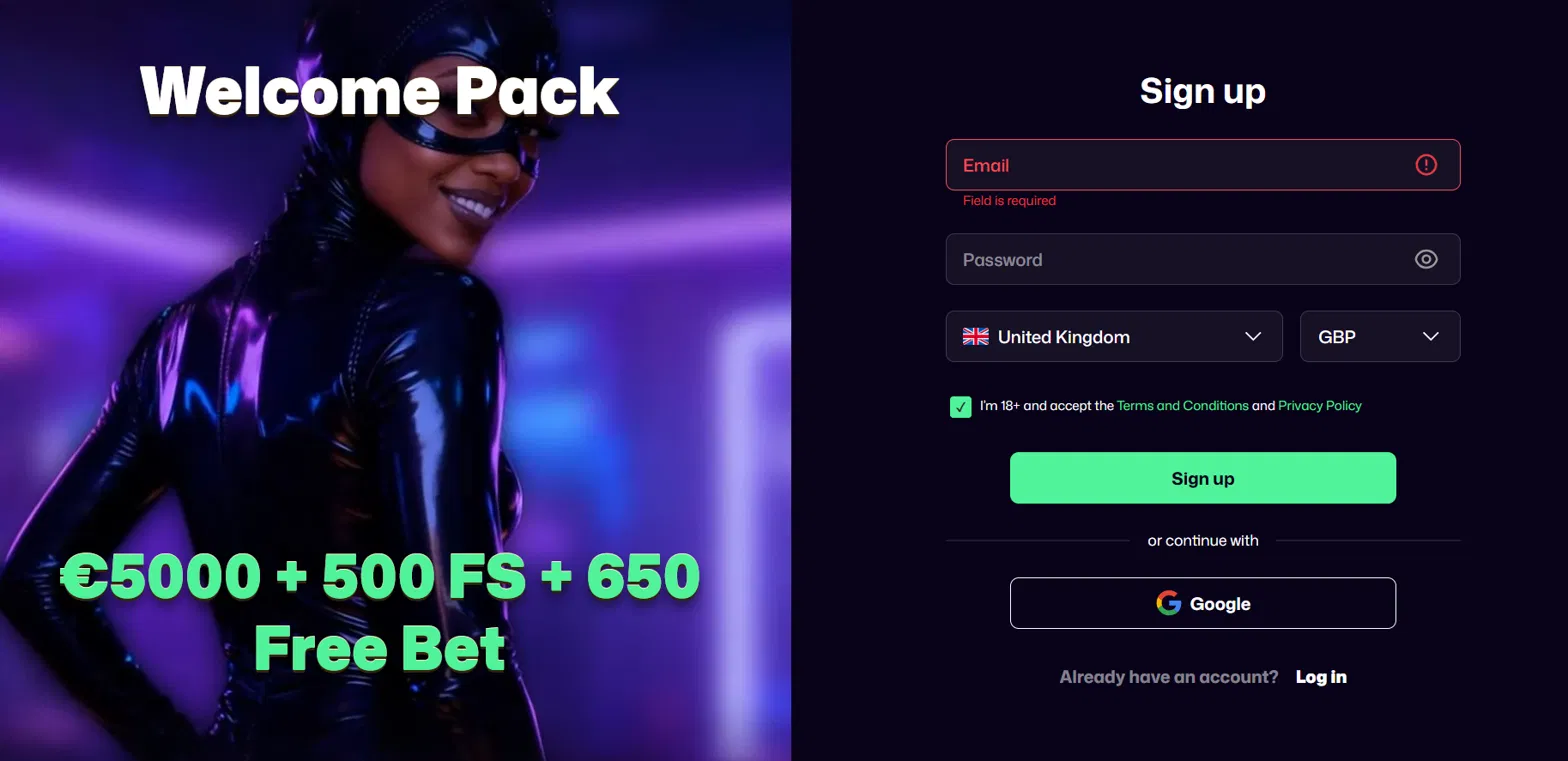
How to Register at WinBeast Casino in Seven Steps
The WinBeast sign-up form is designed to keep friction minimal while collecting the essentials required by anti-money-laundering rules. Members complete each step in sequence, with an email confirmation link at the end unlocking the account for immediate use.
- Open the WinBeast Casino homepage and click the Sign Up button, typically in the top-right corner of the header.
- Enter a valid email and set a strong password — minimum eight characters combining upper and lower case letters, numbers and one symbol.
- Select GBP as the base currency. This choice is permanent; changing later requires opening a fresh account, so UK members should confirm GBP before proceeding.
- Provide personal details including full name, date of birth, residential address and mobile number. Every field must match the photo ID used at verification.
- Confirm age (18+) and accept the terms, privacy policy and responsible gambling conditions.
- Verify the email address by clicking the activation link delivered to the inbox within one minute.
- Log in with the new credentials and land in the cashier, where a first deposit of £20 or more unlocks the welcome package on the bonus page.
WinBeast KYC Verification: Documents and Timing
Identity verification is triggered before the first withdrawal rather than at registration, in line with standard anti-fraud practice at Curaçao-licensed operators. The WinBeast Casino KYC process typically completes within 24 hours, provided files meet the quality standards below. Documents upload through the profile dashboard or attach to a live chat conversation with support.
WinBeast Casino KYC document requirements
| Document | Accepted formats | Purpose |
|---|---|---|
| Photo ID | Passport, UK driving licence, national ID card | Confirms identity and age (18+) |
| Proof of address | Utility bill, bank statement, council tax letter dated ≤ 90 days | Confirms residential address |
| Payment method proof | Bank statement or masked card photo | Confirms funds ownership (if requested) |
| Selfie | Live photo holding photo ID | Anti-impersonation check (occasional) |
The most common reasons WinBeast verification is rejected on the first attempt are worth knowing in advance to save time.
- Blurry, cropped or partially obscured document corners
- Address on the utility bill does not match the address entered at registration
- Proof of address older than 90 days
- Screenshot of a digital document instead of an original photo
- Card image showing full unmasked card number (only first six and last four digits should remain visible)
| CRITERION | WINBEAST | CASINACHO ★ |
|---|---|---|
| Game catalogue | 8,000+ titles | 7,500+ titles |
| Live casino | Live dealer tables | 400+ Evolution tables |
| Welcome offer | £3,000 + 300 spins | £3,000 + 200 spins |
| Bonus wagering | Standard terms | Lighter requirements |
| Crypto payouts | Cards & crypto | Fast crypto payouts |
| Sports betting | Casino only | Casino-focused |
WinBeast Login on Desktop and Mobile
Existing members log in from the WinBeast Casino homepage or any internal page by clicking the Log In button and entering the registered email and password. Desktop sessions stay active for 60 minutes of inactivity before auto-logout. On mobile the same credentials work through the Progressive Web App — Face ID on iPhone and fingerprint on Android replace password entry once biometric login is enabled. Full mobile setup instructions sit on the app page.
WinBeast Login Problems and Fixes
Access issues at WinBeast Casino usually fall into a handful of predictable categories, each with a fast resolution path. Members should attempt the fixes below before contacting live chat, as most login problems are self-serviceable within a few minutes.
- Forgotten password — click the Forgot Password link on the login screen, enter the registered email and follow the reset link that arrives within one minute.
- Account temporarily locked after five failed login attempts — wait 30 minutes for automatic unlock, or contact live chat for immediate release with identity confirmation.
- Region restriction message — verify WinBeast Casino accepts players from the current jurisdiction. VPN use is prohibited by the terms and is grounds for account closure with balance confiscation.
- Session expired notice — clear the browser cache, close all WinBeast tabs and log in fresh from the homepage.
- 2FA code not arriving — check the SMS delivery log or authenticator app time sync, and request a fallback backup code through live chat if the primary channel fails.
Account Security: Two-Factor, Passwords and Session Hygiene
Two-factor authentication is available in WinBeast account settings through SMS or a compatible authenticator app such as Google Authenticator or Authy. Enabling 2FA is strongly recommended for accounts holding meaningful balances or connected to cryptocurrency withdrawals. Passwords should be unique to WinBeast, stored in a password manager rather than browser autofill, and never shared — support staff never request a password through chat or email. All password storage uses hashed encryption, and every data transmission is protected by 256-bit SSL.